
↓ Download for macOS
free forever · open source
A FLOATING STICKY NOTE FOR YOUR WHOLE DESKTOP
SNOTE floats on top of every screen, every monitor, every tab — staring at you until you actually do the thing.
v1.0.0 · Free forever. Open source. Drag it to Applications — no account, no "onboarding journey." Intel Mac? This one.
THE INVISIBLE PROBLEM
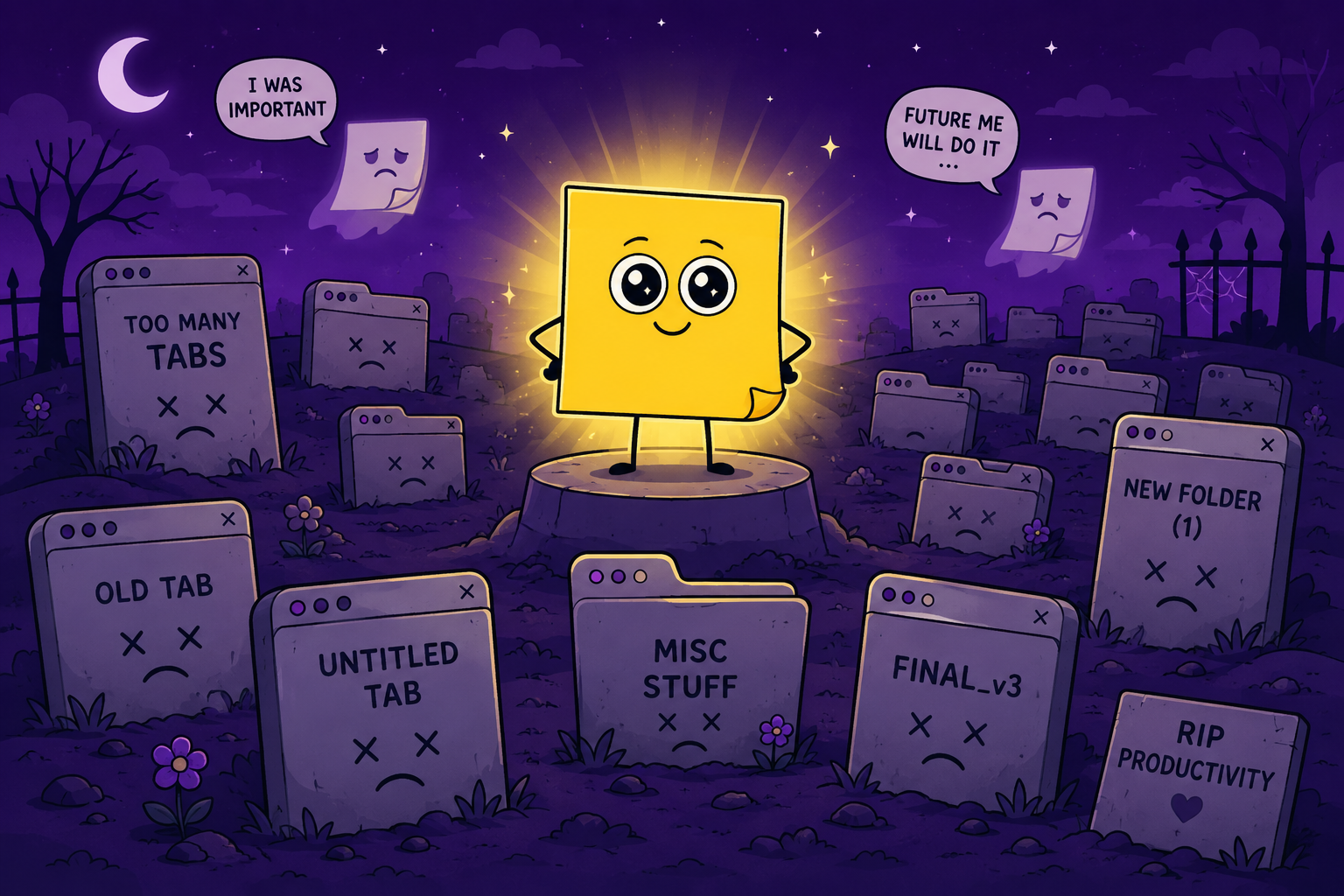
Every sticky app makes the same mistake: the note disappears into a tab. Buried under 500 other tabs. A sticky note has exactly two jobs — be visible, and stick. Physical ones are neon for a reason. Digital ones forgot both jobs.
SNOTE didn't.
THE TRICK NOBODY BOTHERED TO SHIP
3 monitors. 500 tabs. Still there. Still judging.
A CONTROVERSIAL DESIGN DECISION

Saving a sticky note is procrastination with extra steps. A note you can file away is a note you'll never read again. SNOTE v1 gives you one option: do the thing, then tear it up.
(v2 has a save button, for the cowards. Where does the file go? Honestly, we don't know either.)

CHOOSE YOUR FIGHTER
No save button. Maximum guilt. The original open-source build.
this is the download ↑Has a save button. It saves. Somewhere. Probably.
benched for nowA tiny floating widget that expands on hover. Doesn't exist yet — you decide.
comment "sticky" to voteTHE WALL OF NOTES
Used SNOTE? Loved it? Rage-quit the save-button debate? Write a note and it gets clipped to the thread — for everyone to see. The good ones end up in the next video.

macOS 12+ · Apple Silicon (Intel here) · First launch: macOS will say it can't verify us. Open System Settings → Privacy & Security → Open Anyway. We're indie, not dangerous.
★ Star it on GitHub